Contract
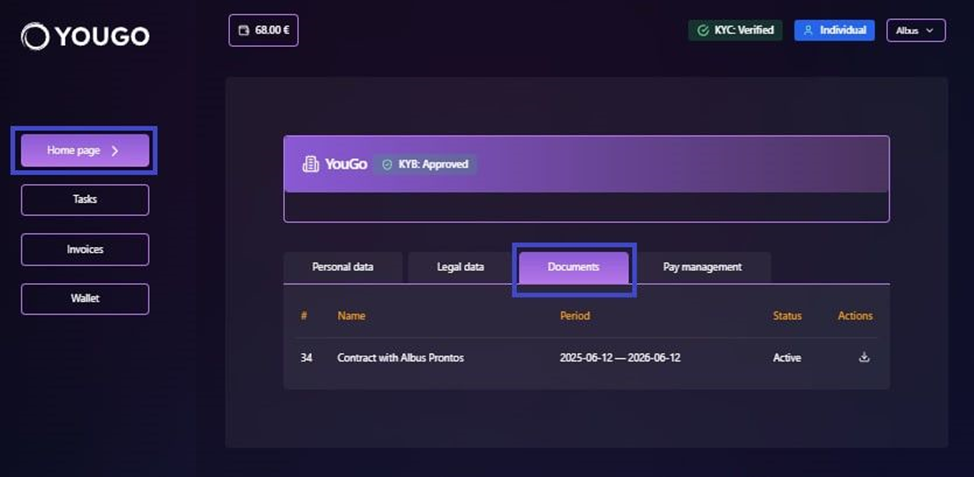
To view the contract file, open the "Home page" section in the navigation panel and select "Documents".
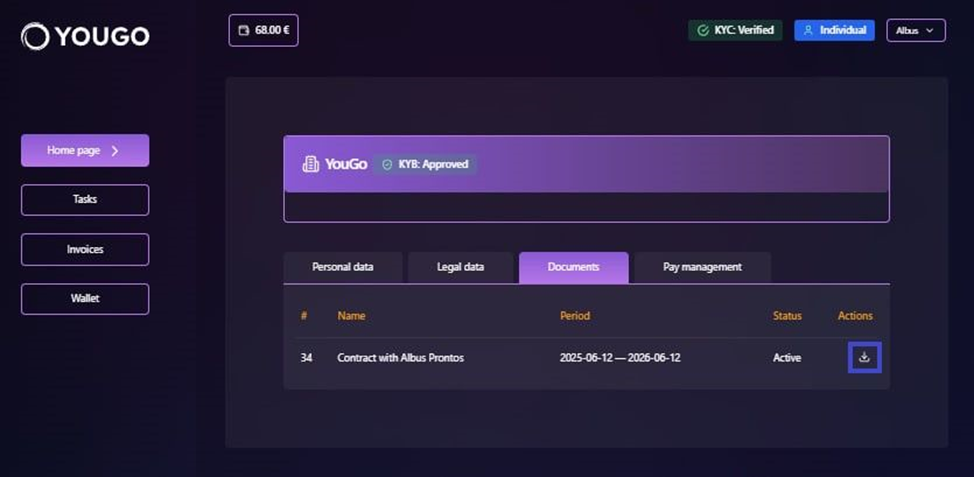
Click the corresponding icon to download the file.
Invoice
To view and download invoices, open the "Invoices" section in the navigation panel.
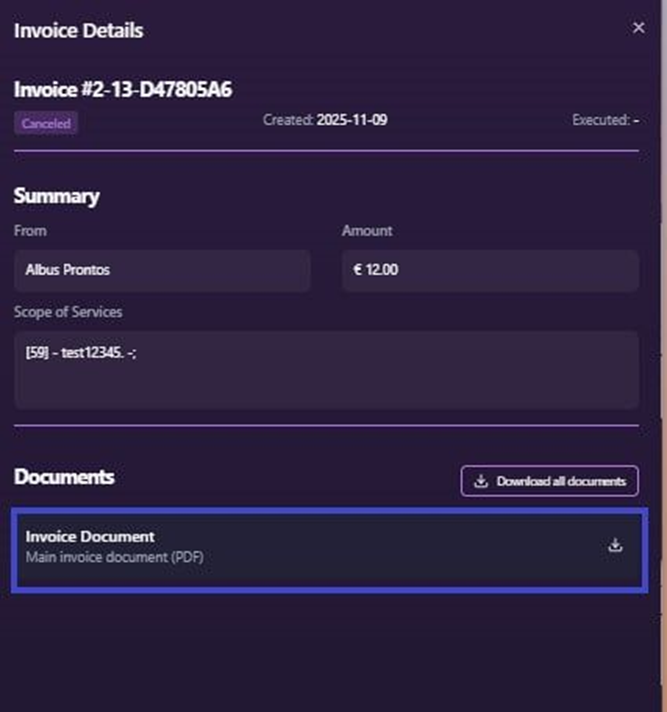
Clicking a specific invoice opens detailed information.
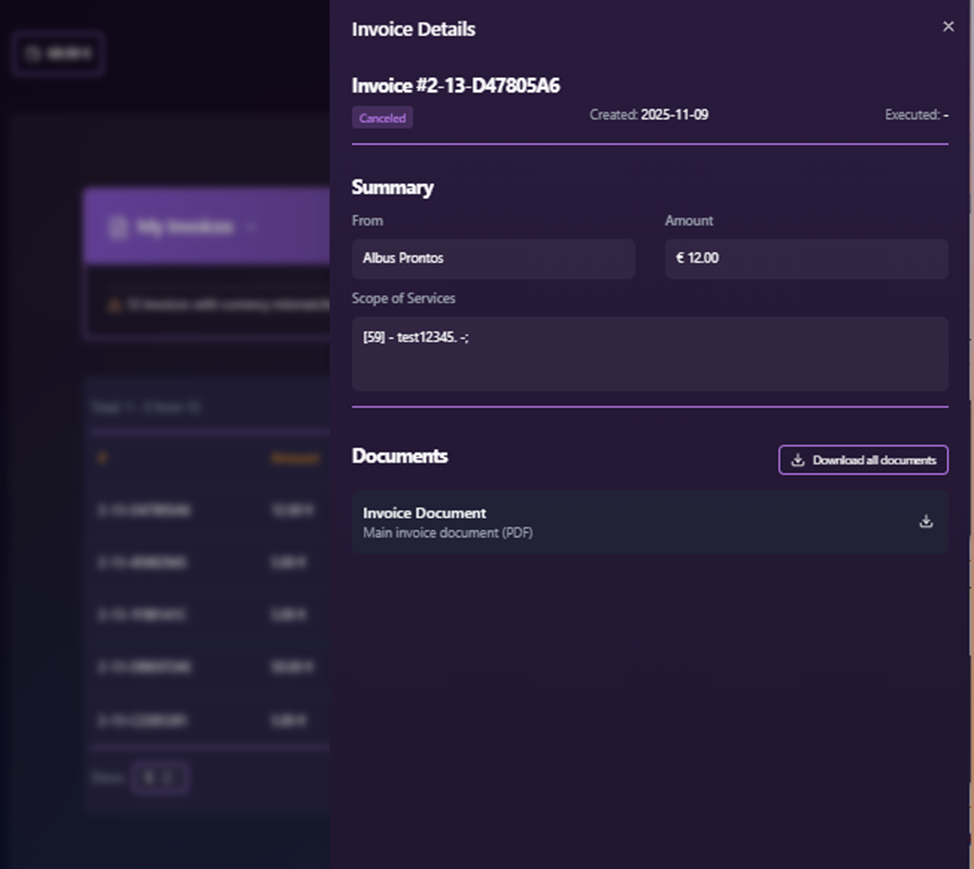
To download the file, select "Invoice Document" and click the download icon.
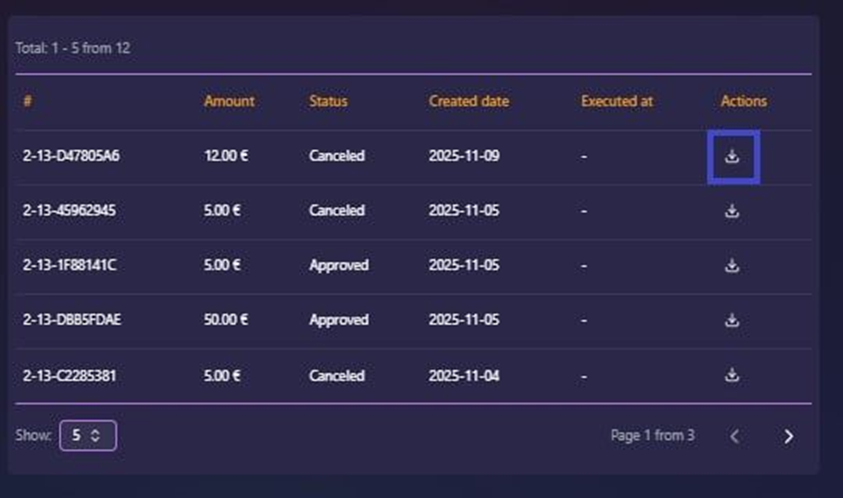
You can also download an invoice directly from the list by clicking the download icon next to it.